 GTA 5
GTA 5
Tutorial Grand Theft Auto V
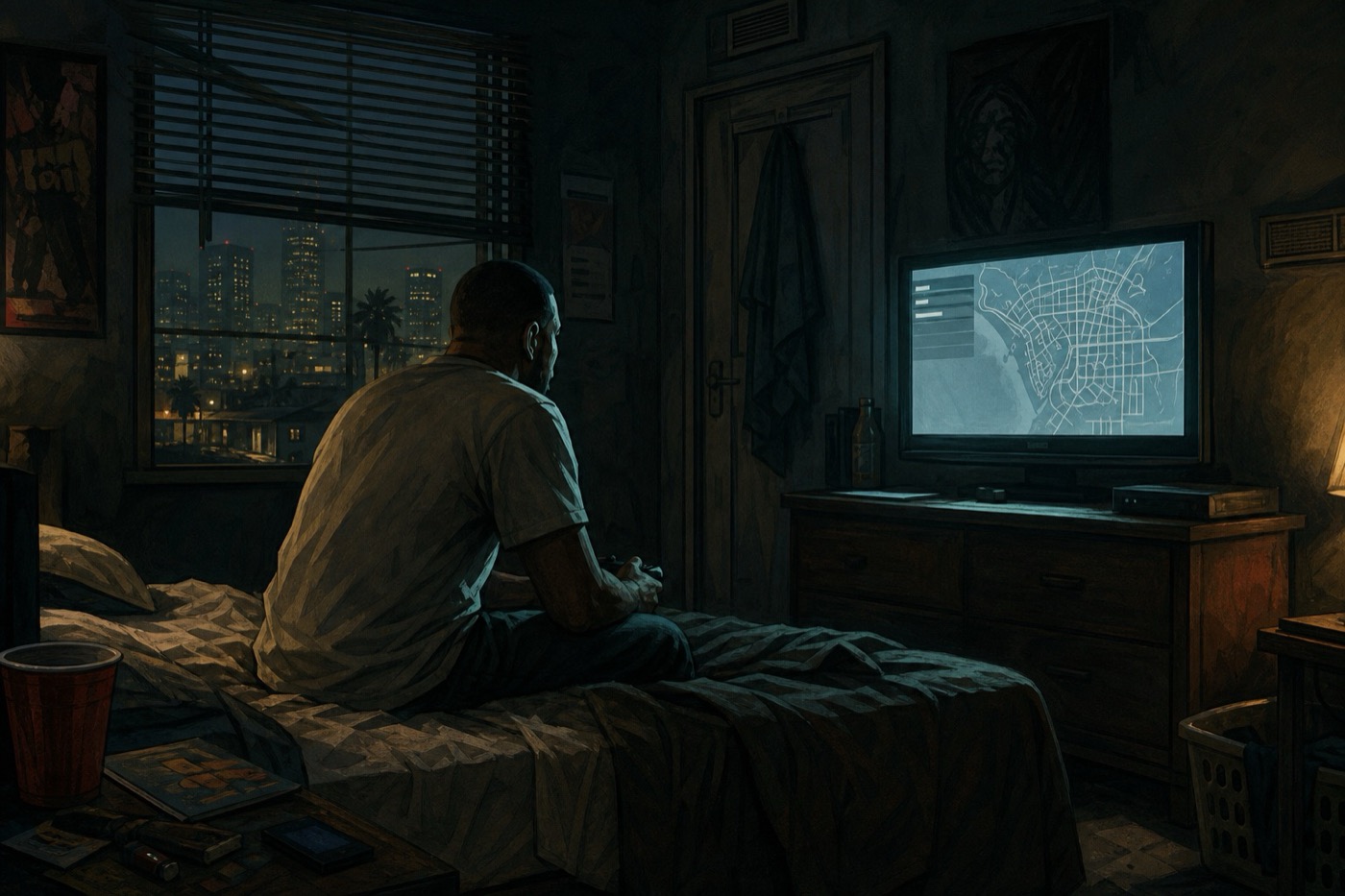
How to save in GTA V
GTA V saves two different ways. In Story Mode you pick a slot in the pause menu, or you sleep in a house Michael, Franklin, or Trevor actually own. In GTA Online there is no Save Game page. The session writes to Rockstar’s servers while you play.
Story Mode: the pause menu
In Story Mode the reliable save sits in the pause menu. On a pad that is Options or Start; on PC it is Esc. Open Game, then Save Game. The game gives you fifteen named slots. Pick an empty one or overwrite a slot you no longer need. That file is the snapshot you reload if a mission fails or you want to go back a few hours.
Save Game greys out during a mission, a cutscene, or a wanted level. Finish the beat, lose the stars, then open the menu again. If you quit to the dashboard while the option is grey, you keep whatever file you wrote last time — the shootout you just finished is gone.
Fifteen slots and the bed
Those fifteen slots are the files you choose by name. When you swap from Michael to Franklin the game writes an autosave in the background so the map lines up, and that file stays off the named list. If you care about a specific moment — before a heist setup, before a big spend — use Save Game and give that slot a name you will recognise later.
Sleeping in a bed also writes a Story save, but only in a property that character owns. Michael’s house in Rockford Hills, Franklin’s place, Trevor’s trailer: those beds work. A random motel you hijacked for a mission will not write a file. After you sleep, check the Save Game list so you know which of the fifteen slots the bed used.
GTA Online
GTA Online does not have a Save Game page. Cash, rank, cars in a garage, and progress through a job write to Rockstar’s servers while the session is running. There is nothing to pick and no slot to overwrite. If you pull the power or force-close the game in the middle of buying a warehouse or finishing a sale, that purchase can fail to land. Leave the menu, wait a few seconds on the map, then quit from the pause screen the way the game offers it.
A Story Mode file does not carry into Online. Saving Michael before The Wrap Up will not move a nightclub or an Oppressor into your Online garage. The two modes only share the Rockstar account.
Related reading
 GTA 5
How to switch characters in GTA V
Hold Down on the D-pad, or Left Alt on PC, to open the Story Mode character wheel. Pick a face and release. GTA Online uses the pause menu.
GTA 5
How to switch characters in GTA V
Hold Down on the D-pad, or Left Alt on PC, to open the Story Mode character wheel. Pick a face and release. GTA Online uses the pause menu.
 GTA 5
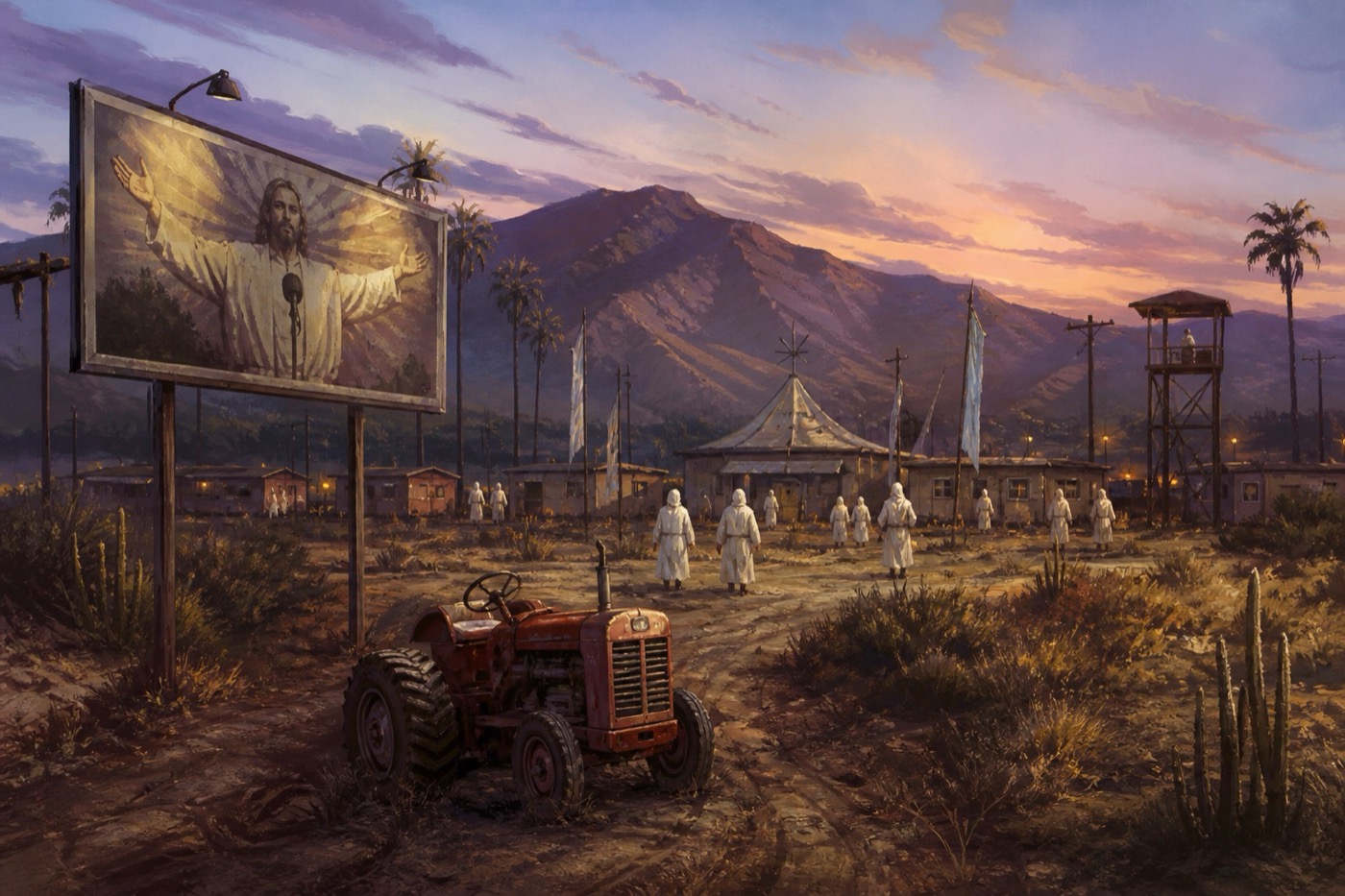
The Epsilon Program in GTA V
GTA V hides a cult you join from an in-game website. Only Michael can run the missions. Finish them and you walk away with a tractor — or two million dollars if you steal the money.
GTA 5
The Epsilon Program in GTA V
GTA V hides a cult you join from an in-game website. Only Michael can run the missions. Finish them and you walk away with a tractor — or two million dollars if you steal the money.